Combat
KillAura, Aimbot, Criticals, and Velocity for Java PvP on Windows PC.
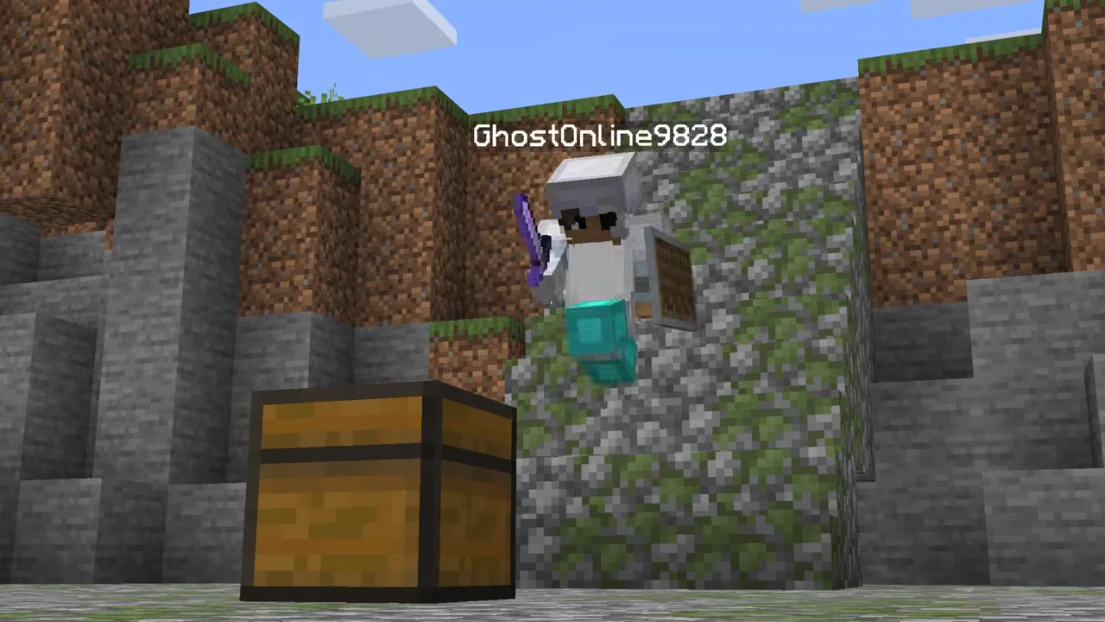
Tune AutoClicker, AutoArmor, Reach, and Hitbox so fights stay readable.
- Aimbot, KillAura, TpAura, Criticals
- AutoClicker, AutoArmor, AutoWeapon, AutoBow, AutoShoot
- Velocity, Hitbox, Reach, KeepSprint, MaceKill, NoMissCooldown
- SuperKnockback, TimerRange, TickBase, Backtrack, SwordBlock
ESP, wallhack & X-Ray
See players, mobs, items, and storage through walls with distance tags.
X-Ray, StorageESP, Tracers, and Nametags stay toggleable so overlays stay clear.
- Player ESP, Entity ESP, Nametags, Health
- X-Ray, BlockESP, StorageESP, ItemESP, ChestESP
- Tracers, Radar, FullBright, Chams, HoleESP
- HUD, ClickGUI, FreeCam, TrueSight, ProtectionZones
Movement
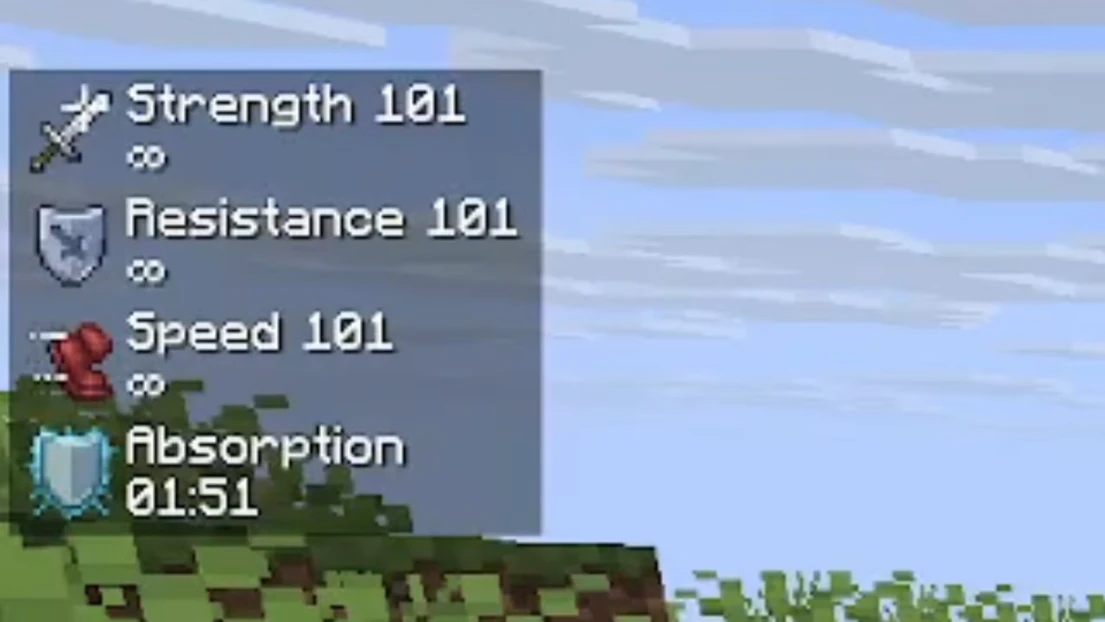
Fly, Speed, LongJump, and ElytraFly for travel. NoFall and NoSlow for PvP.
Scaffold, Step, and InventoryMove cover bridging and inventory play.
- Fly, Speed, LongJump, ElytraFly, AirJump
- NoFall, NoSlow, NoWeb, SafeWalk, NoClip
- Scaffold, Step, Strafe, TargetStrafe, Spider
- Parkour, HighJump, LiquidWalk, VehicleBoost
World, player & exploit tools
FastBreak, Nuker, CrystalAura, and Scaffold for world control. ChestStealer and AutoFish for inventory play.
Disabler, Phase, and PingSpoof sit in the exploit set — use them only when you accept the extra risk.
- FastBreak, FastPlace, Nuker, PacketMine, Scaffold
- CrystalAura, AutoTrap, Surround, HoleFiller, BedDefender
- ChestStealer, ChestCleaner, AutoFish, Replenish, Reach
- Disabler, Phase, Clip, PingSpoof, ClickTp, Teleport
Misc, fun & system requirements
AntiBot, NameProtect, Macros, and Notifier round out the client. Cloud DMA is required for full functionality.
Windows 10/11, Intel or AMD, HVCI on, Core Isolation on, TPM on, and Secure Boot on.
- AntiBot, AntiStaff, NameProtect, Macros, Teams
- FakeLag, Derp, Notebot, Twerk, SkinDerp
- HVCI, Core Isolation, TPM, Secure Boot ON
- Cloud DMA required for full functionality
Updates & support
We rebuild after big Minecraft or Watchdog patches. Cloud DMA is required for full functionality.
Check Status before you queue after a patch day.
- Status on the Status page
- Setup guide included
- Email support with your order ID