Setup
Minecraft Cheats Setup: Cloud DMA and Windows Checks
Most failed first launches are not “the cheat is dead.” They are HVCI, Secure Boot, or a skipped Cloud DMA step. Do the boring checks once.
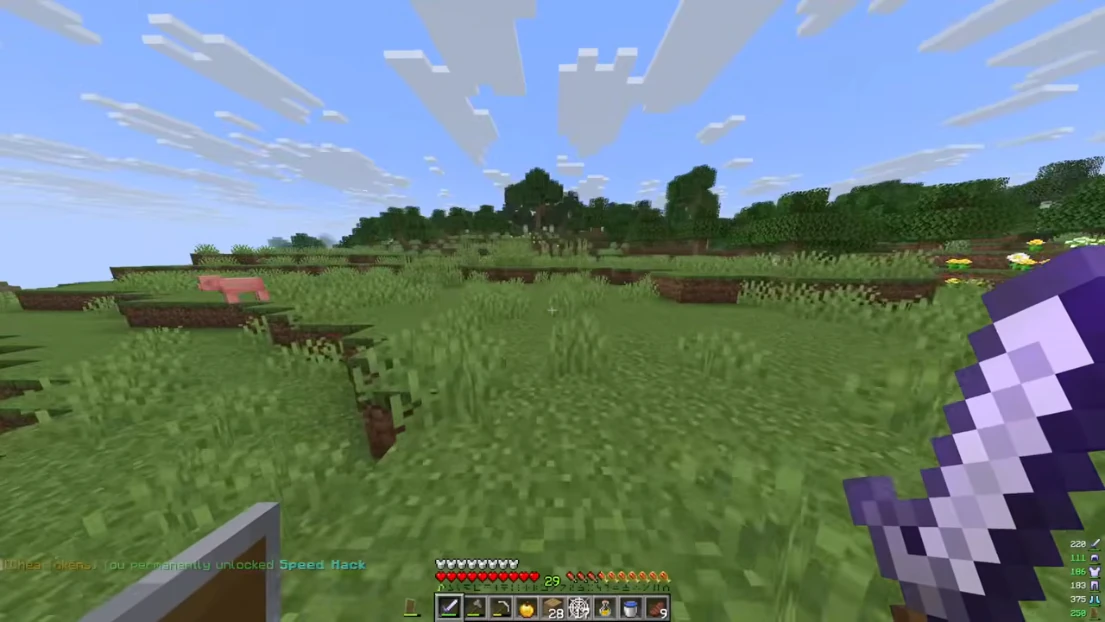
System requirements that actually matter
Windows 10 or 11. Intel or AMD. HVCI on. Core Isolation on. TPM on. Secure Boot on. Cloud DMA required for full functionality.
If any of those are off, the loader may start and then do nothing useful. The ordered steps live on the setup page.
After checkout
You get a digital license by email. Run the loader as admin, paste the key, then launch Minecraft Java. Do not skip the status check if a patch dropped the same day.
Windows Defender may flag a loader. That is common. If setup still fails, email support with your order ID and Windows version.
Then play
Start with ESP and quiet KillAura. Add X-Ray and fly only after the first stable session.
Need the buy link? Open Store or use Get Access in the header.